
What is a shared inbox, and does your small business need one?
Published:
What is a shared inbox?
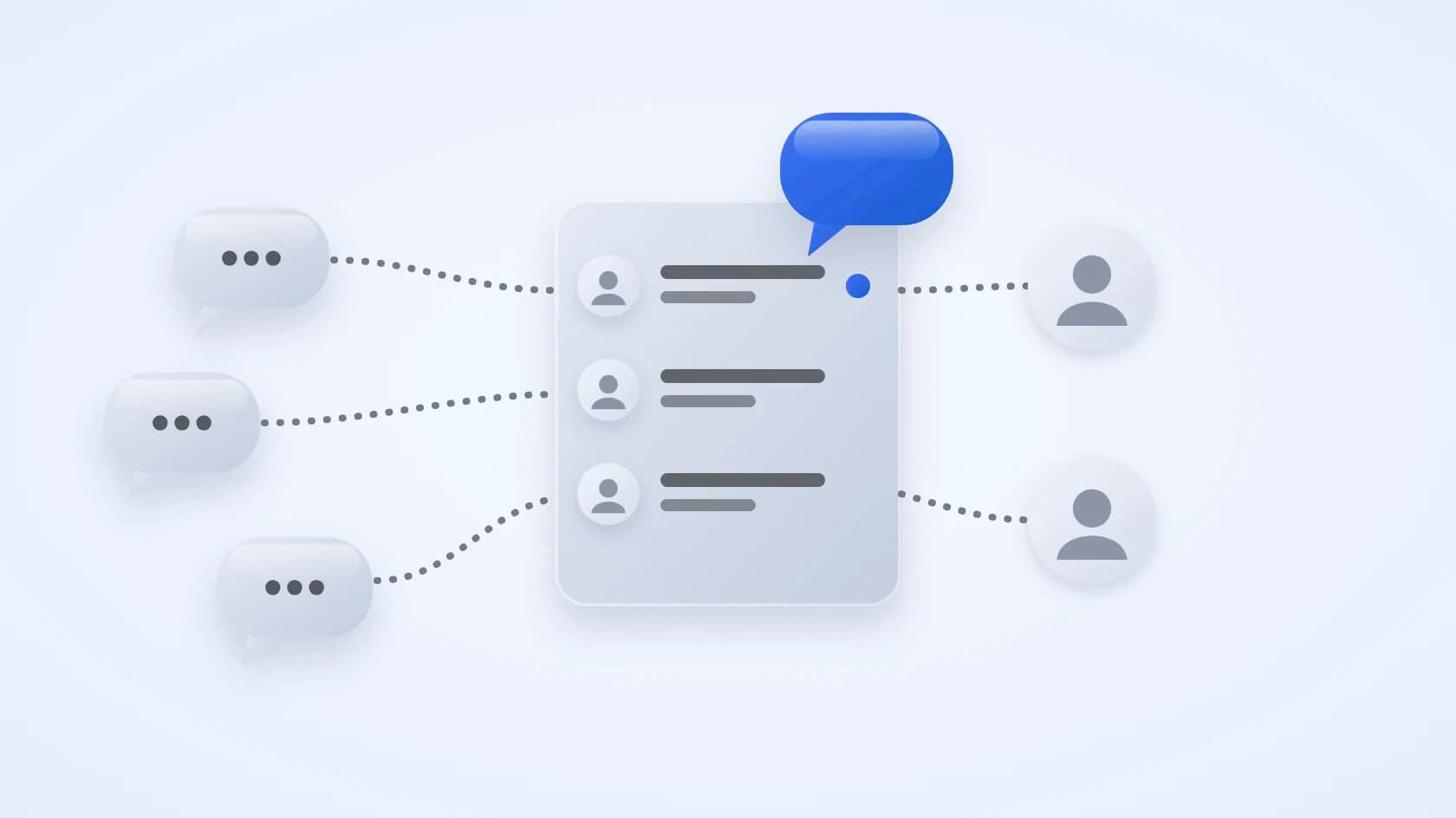
A shared inbox is one place where your customer messages arrive, whichever channel they come from. Everyone on the team sees the same conversations, and each one can be assigned to a single person.
It is different from sharing one phone. Each teammate works from their own account, and the inbox remembers who said what.
When does your business need one?
If one person answers every message, you may not need one yet. You need one when two or more people reply to customers, or when the owner is still answering at night.
Sales, support and the owner often need to see the same chat. A shared inbox lets them do that without forwarding screenshots.
What are the signs you have outgrown phones and email?
Check whether any of these sound familiar.
- A customer gets two different answers to one question.
- Nobody is sure who owns a conversation.
- Messages sit on a personal phone.
- A teammate leaves and takes the chat history with them.
- You scroll for minutes to find what a customer said last month.
What should a shared inbox include?
A useful shared inbox covers these basics.
- Every channel in one list.
- Assigning a conversation to a teammate.
- The customer record beside the chat: name, number, notes and stage.
- A way to see who has waited too long.
- Roles, so each person sees what they need.
- Arabic and right-to-left screens, if your team works in Arabic.
How do you start without disrupting your team?
Pick one channel, connect it, and ask the team to answer from the inbox for a week. Write down what is missing.
Then import your existing contacts from a spreadsheet and connect the next channel.
How does a shared inbox compare with the usual workarounds?
Each common workaround solves one problem and leaves another.
- One shared phone: one place for chats, but only one person can answer at a time and the history leaves with the phone.
- A shared email address: one place for email, but chat and messaging apps stay outside it and nobody owns a message.
- Separate phones per person: everyone replies, but customers get mixed answers and the owner cannot see what was said.
- A shared inbox: every channel, assignment and customer records together. You only need to connect your channels once.
What does a normal day look like with a shared inbox?
Imagine Noura runs sales and Khalid handles support, and both answer from the same inbox. The point is not new software. It is that each chat has one place, one owner and one history.
- In the morning, Noura opens the list of who has waited longest and answers those first.
- A new website chat arrives. Khalid assigns it to himself, so Noura knows not to reply.
- A customer asks about price. Noura answers, adds a note and sets a follow-up for tomorrow.
- At the end of the day, the owner opens the inbox and sees every open conversation and who owns it, without asking anyone.
What mistakes should you avoid when you set one up?
These are the mistakes teams make most often.
- Connecting every channel on day one. Start with one or two and add the rest once the team is comfortable.
- Leaving conversations unassigned. A chat nobody owns is a chat nobody answers.
- Skipping roles. Give each person the access they need and no more.
- Not importing your existing contacts, so each chat starts without context.
- Keeping the old phones in use as well. Move the team over fully for the first week.
How Sila works as a shared inbox
Here is how Sila covers the points above.
- One inbox for website chat, email (Gmail, Private Email, Zoho, Yahoo and iCloud), Telegram and WhatsApp.
- Assign conversations to teammates, with roles for Admin, Sales and Customer Service.
- A customer record beside every chat, with stage, deals, tasks and notes.
- Lists that show who has waited too long, who asked about price and which follow-ups are due.
- Works in Arabic and English, and every screen works right to left.
- Import contacts from a CSV file. Plans start at SAR 99 a month.
Try a shared inbox with your own customers
The best test is a real week. Start your free trial of Sila, connect one channel and see whether your team stops losing chats.
Questions people ask
Is a shared inbox the same as a shared email address?
Not quite. A shared email address collects email only. A shared inbox also brings in chat and messaging channels and lets you assign each conversation.
How many people do I need before a shared inbox helps?
Two is enough. As soon as two people reply to customers, a shared inbox stops double answers and missed chats.
Can I use a shared inbox for WhatsApp?
Yes. Connect WhatsApp and your whole team can answer from one number, with each chat kept beside the customer's record.
Does a shared inbox work in Arabic?
It should. Open the tool in Arabic and check that the whole screen flips right to left and that Arabic names can be searched. Sila works in Arabic and English, and every screen works right to left.
How much does a shared inbox cost?
Prices vary, so ask for the price in riyals per month and what the plan includes. Sila's plans start at SAR 99 a month, billed monthly, and you can cancel anytime.
By the Sila team
See Sila with your own chats
Connect a channel and answer your first customer today.
Start 7-day free trial