
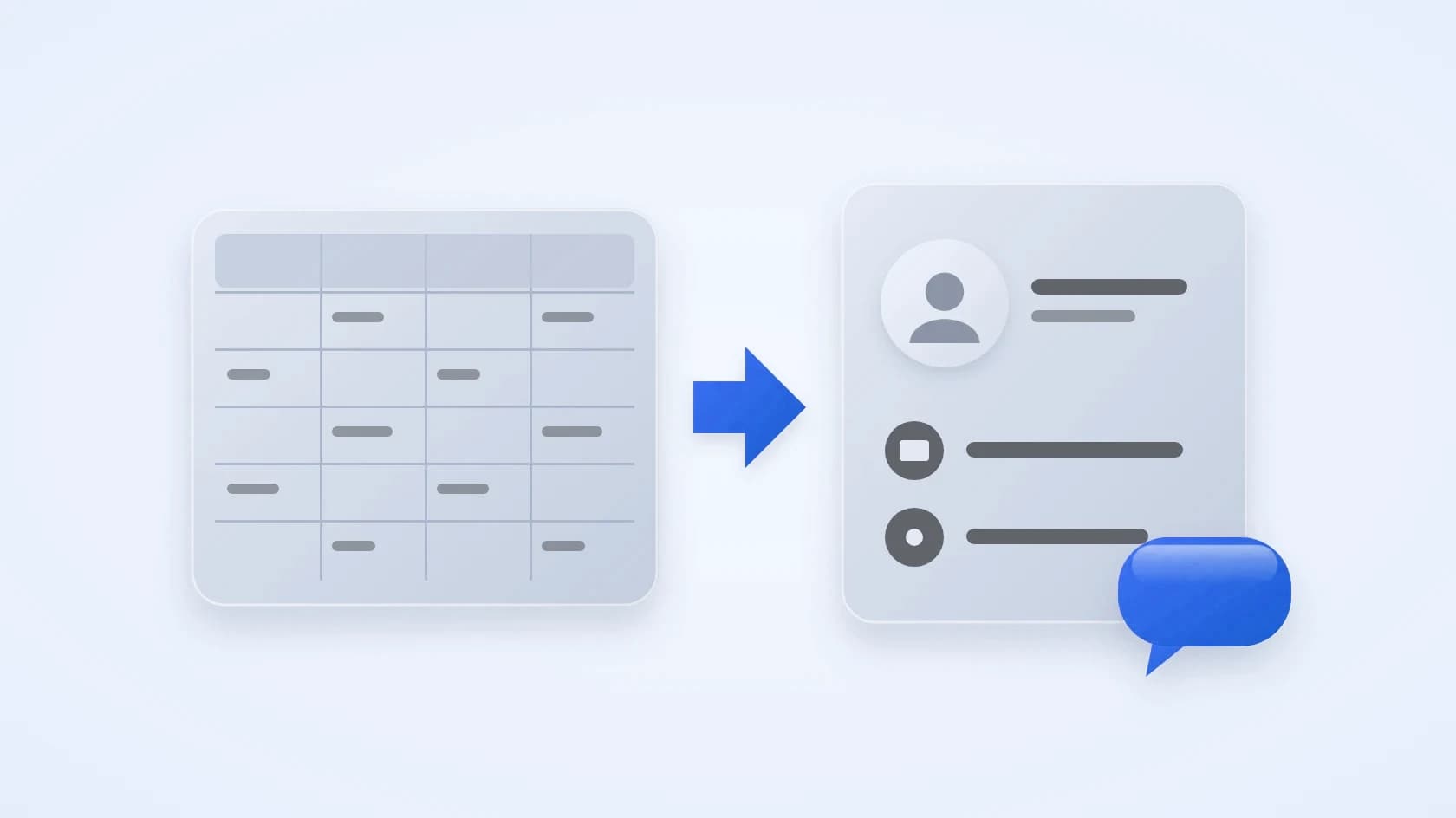
CRM or spreadsheet: when is Excel no longer enough?
Published:
When is a spreadsheet enough?
A spreadsheet is enough while you have a few customers, one person updates it, and you can remember your conversations. Many businesses start there, and that is fine.
The question is not whether Excel is bad. It is whether it still keeps up with how you sell.
What breaks first as you grow?
These problems usually show up first.
- The conversation lives in chat or email, not in the row.
- Two people edit the same row, or keep their own copies.
- Follow-ups depend on someone remembering.
- There is no history of what was said, quoted or promised.
- You cannot see who has waited too long for a reply.
What does a CRM add?
A CRM adds the things a spreadsheet cannot do by itself.
- Every customer's record, with their conversations, in one place.
- A pipeline that shows the stage of each deal.
- Tasks and follow-up dates that remind you.
- Roles and assignment, so each person owns the right customers.
- A history, so a new teammate can pick up a conversation.
How do you move from Excel to a CRM?
Follow these steps and the move takes little time.
- Clean the sheet: one row per customer, with a name and a phone number or email.
- Save it as a CSV file.
- Import it into the CRM and connect one channel.
- Use the CRM for a week, then retire the spreadsheet.
- Keep the original file as a backup.
Spreadsheet or CRM: how do they compare?
Here is how the two compare on what you need.
- Keep a list of customers: both do it.
- Keep the conversation with the customer: a spreadsheet cannot, because it lives in chat or email. A CRM keeps it beside the record.
- Several people working at once: risky in a spreadsheet, because copies drift apart. A CRM is built for it, with roles and assignment.
- Reminders for follow-ups: a spreadsheet only works if someone remembers. A CRM has tasks with dates.
- See where every deal stands: in a spreadsheet you build it yourself. A CRM has a pipeline board.
- See who has waited too long: not possible in a spreadsheet. A CRM has attention lists.
Is it time to switch? Ask yourself five questions
If you answer yes to two or more, a CRM will probably save you time.
- Do customers message you in more than one place?
- Does more than one person update your customer list?
- Have you forgotten a follow-up in the last month?
- Do you search old chats to find what a customer asked for?
- Do you struggle to say who is waiting for a reply right now?
What mistakes should you avoid when you move?
A few habits make the move harder than it needs to be.
- Importing a messy sheet. Fix duplicates and missing numbers first.
- Tracking too many fields. Start with name, number, stage and notes.
- Running both for months. A week of parallel use is enough.
- Not agreeing on stages. Decide what "new", "quoted" and "won" mean before you start.
- Forgetting to connect a channel, so the chats still live somewhere else.
How Sila replaces the spreadsheet
Here is what Sila gives you in place of the sheet.
- Import your contacts from a CSV file.
- A record for every customer with stage, deals, tasks and notes.
- A drag-and-drop pipeline board.
- A shared inbox for website chat, email, Telegram and WhatsApp, beside each record.
- Lists that show who has waited too long and which follow-ups are due.
- Plans start at SAR 99 a month, and every workspace starts with a 7-day free trial of Growth, no card needed.
Move one spreadsheet into a CRM
The easiest test is your own sheet. Start your free trial of Sila, import the file and see what you find when the chats sit next to the records.
Questions people ask
Can I start with Excel and move later?
Yes. Start with a clean sheet, one row per customer, and you can import it as a CSV file when you are ready.
Will I lose my spreadsheet data?
No. Export the sheet as a CSV file and import it, and keep the original file as a backup.
Is a CRM only for big teams?
No. A one-person business with many chat leads can benefit too, because the CRM remembers the follow-ups for you.
How much does a CRM cost?
Prices vary, so ask for the price in riyals and what it includes. Sila's plans start at SAR 99 a month, billed monthly, with a 7-day free trial of Growth and no card needed.
What should I put in a CRM first?
Start with each customer's name, phone number or email, current stage and a note about what they want. Add more fields only when you find you need them.
By the Sila team
See Sila with your own chats
Connect a channel and answer your first customer today.
Start 7-day free trial